Ducktaper is a spectral compressor for Reason. Instead of ducking the whole signal, it attenuates only the exact frequencies the sidechain occupies — and only while it's there. Everything else stays exactly as you mixed it.

Ducktaper is a spectral dynamics device. Where a regular compressor reduces the overall level of a signal, Ducktaper works inside the frequency spectrum — compressing only the bins that actually need it, leaving the rest untouched.
Feed any source to the sidechain. Ducktaper reads its frequency footprint and attenuates only those bins in the main signal.
No sidechain? Self mode turns the effect inward — the signal compresses its own dominant frequency regions for instant spectral balance.
Texture mode keeps the main signal intact and adds the sidechain on top — but only at the frequency bins where the main signal already has energy. The sidechain bleeds through exactly where the main signal is spectrally strongest.
An FFT window captures a frequency snapshot of the sidechain signal and measures energy per bin.
Each bin above Threshold gets a reduction amount set by Depth. Neighbouring bins are widened by the Width control.
The gain map is applied to the main signal — only overlapping frequencies are reduced. The rest passes through unchanged.
Attack and Release smooth each bin's gain-reduction over time for natural-sounding movement instead of abrupt cuts.
The modified spectrum is converted back to audio via Overlap-Add synthesis — processed and intact, frame by frame.
The sidechain input accepts any stereo audio source — a drum bus, a bass, a lead, a vocal, a full mix. Ducktaper doesn't interpret the content; it responds to spectral energy.
Duck — frequency-selective sidechain compression, space only where the sidechain is active.
Self — no sidechain needed; the signal suppresses its own dominant frequency regions.
Texture — main signal passes through unchanged; sidechain is added on top, but only at the frequency bins where the main signal is spectrally dominant. Requires sidechain connected.
Depth sets maximum attenuation per bin. Threshold controls how much sidechain energy is needed before ducking engages (-40 to 0 dB). Together they define the aggressiveness of the effect.
Per-bin envelope smoothing. Attack (1–200 ms) controls how fast space opens; Release (20–800 ms) controls how fast it closes. The key to natural, transparent ducking.
Extends attenuation to neighbouring frequency bins around each detected peak (1–12 bins). Wider settings create smoother, more musical space; narrow settings are surgical and precise.
Choose between 512 / 1024 / 2048 / 4096 bins. Larger sizes give finer frequency resolution and deeper spectral precision; smaller sizes respond faster. 2048 is the recommended starting point.
Switch between Zero Latency (minimum-phase, 0 ms reported latency — ideal for monitoring) and Standard (full OLA pipeline — best output quality for final renders).
All parameters support smooth automation in Reason's sequencer. MIDI CC mapping included (CC 20–24) for hardware control of Depth, Threshold, Width, Attack, and Release.
Real-time gain-reduction display shows exactly which frequency bands are being attenuated and by how much — in real time, as the sidechain moves.
Dedicated stereo sidechain inputs (L + R) alongside the main stereo input and output. The sidechain is mixed to mono internally for analysis; the main signal stays stereo throughout.
Technically, Ducktaper is what you'd get if someone built a compressor with up to 4096 individual bands, each with its own threshold, attack, release, and sidechain feed. That makes it a multi-multi-multi-band dynamic processor — working entirely in the frequency domain. Call it what you want. It just sounds like the mix breathing exactly where it needs to.
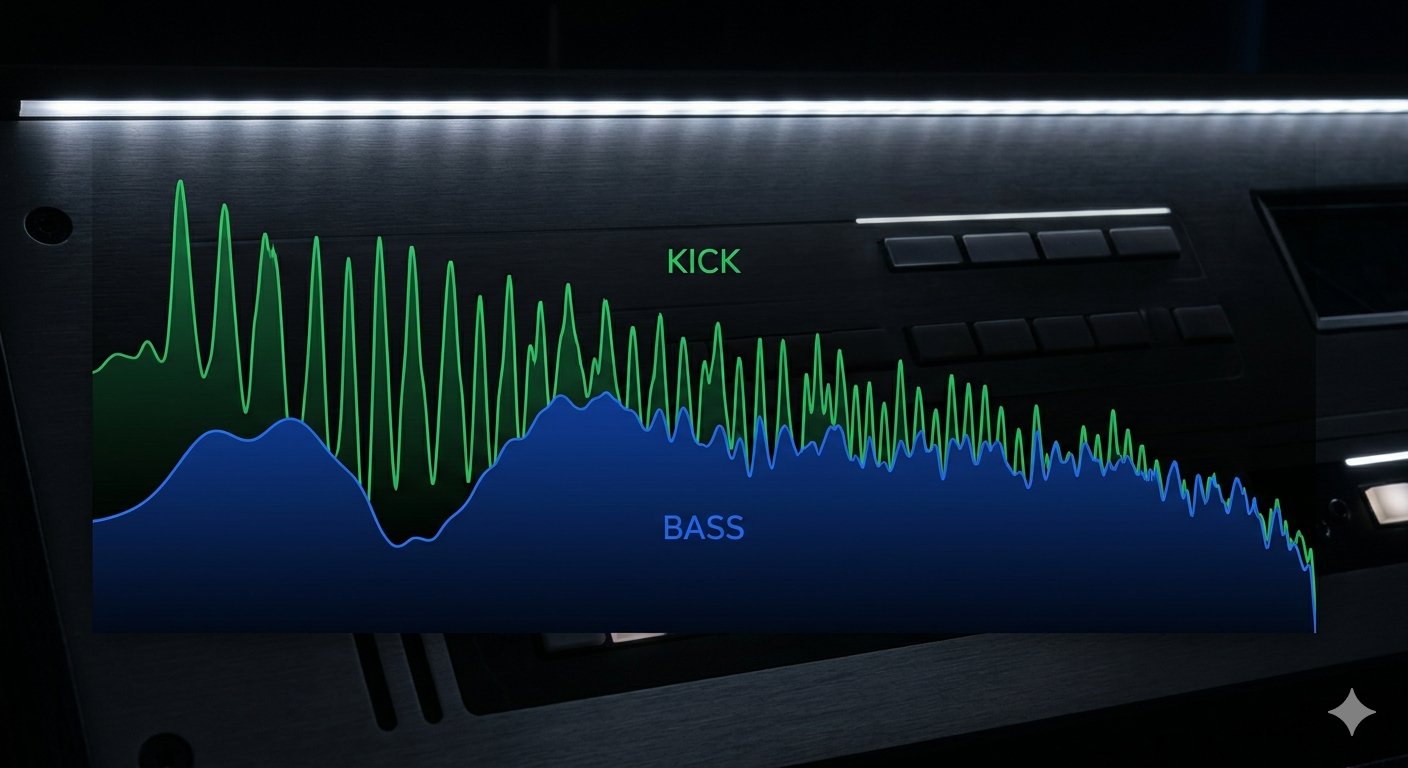
Kick makes room in the bass only where their spectra collide — body stays full in between hits.
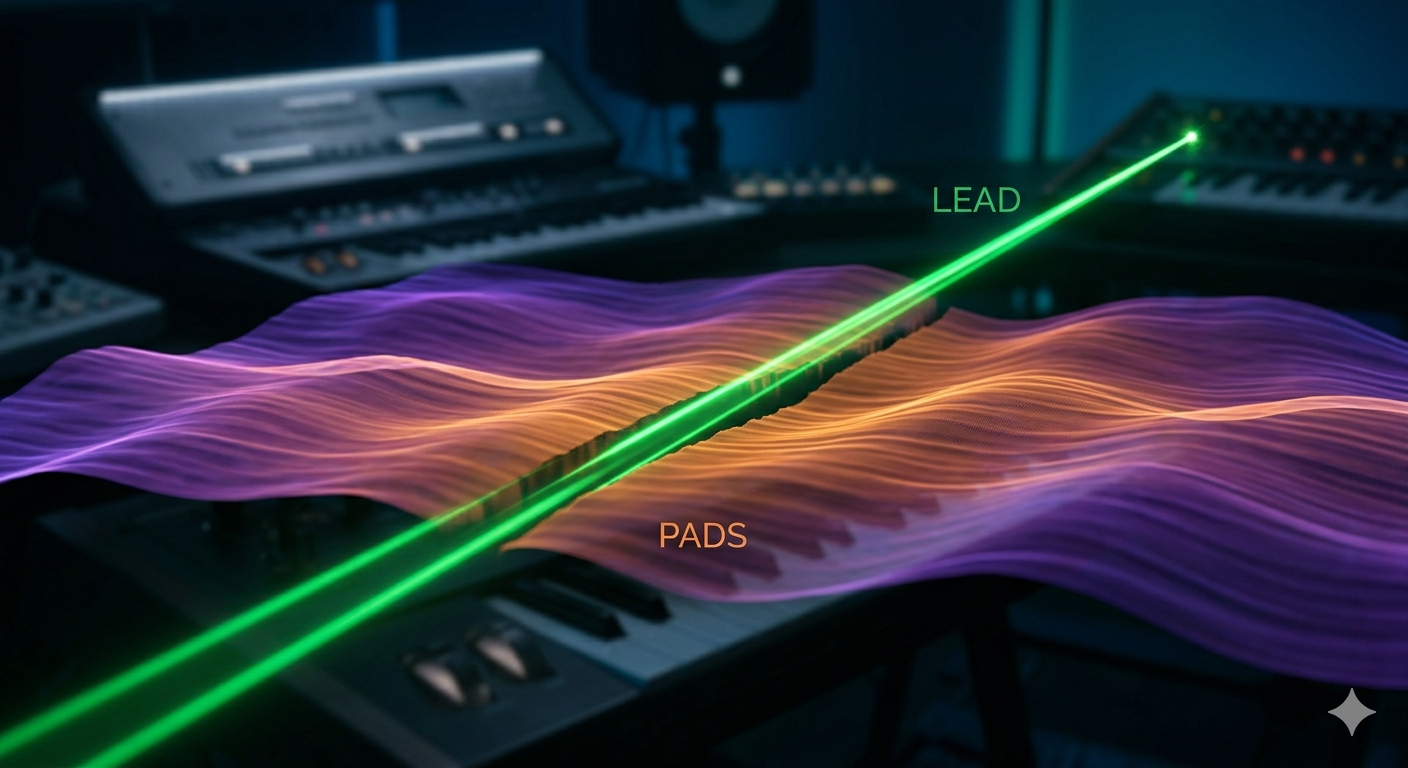
The lead carves its own space into the pad layer — dynamically, note by note.
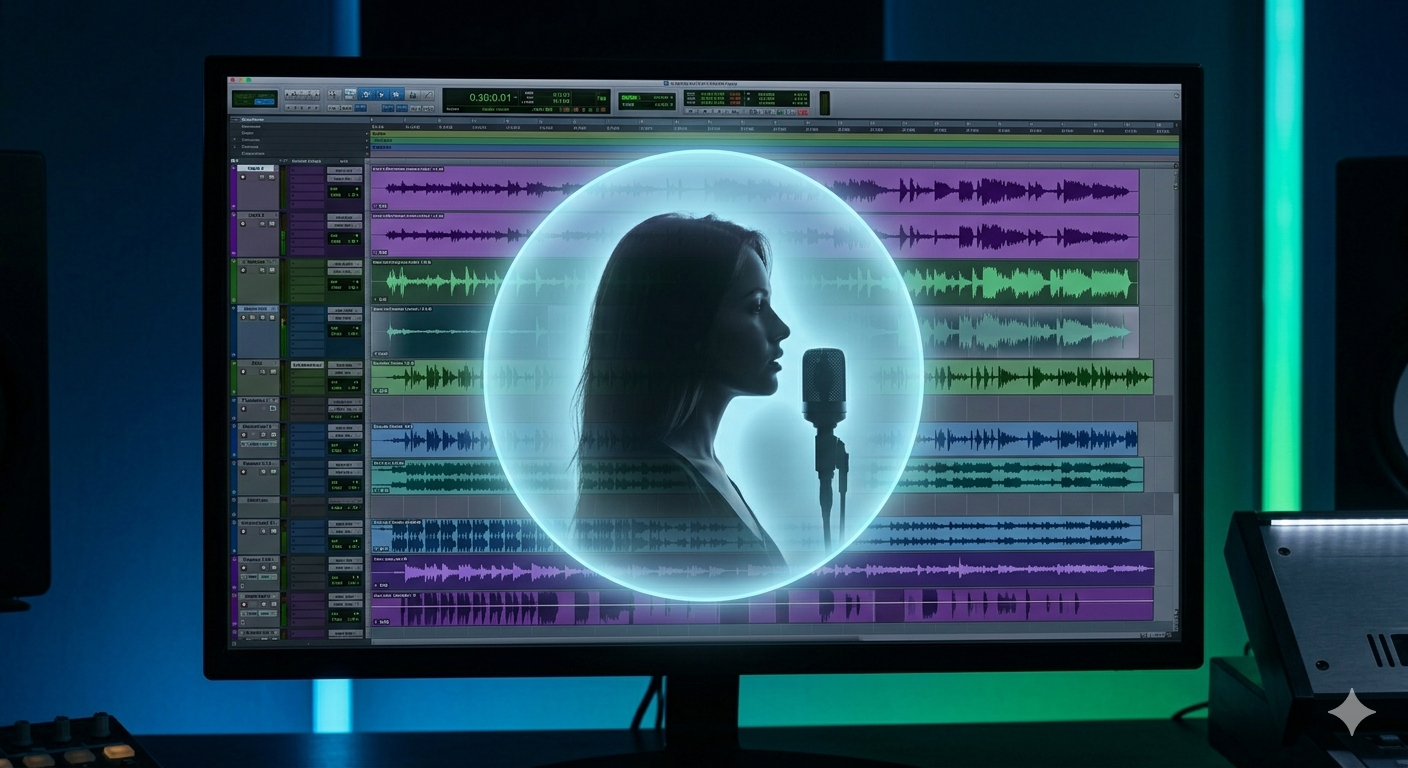
Transparent presence cut in real time — no static EQ, no pumping.
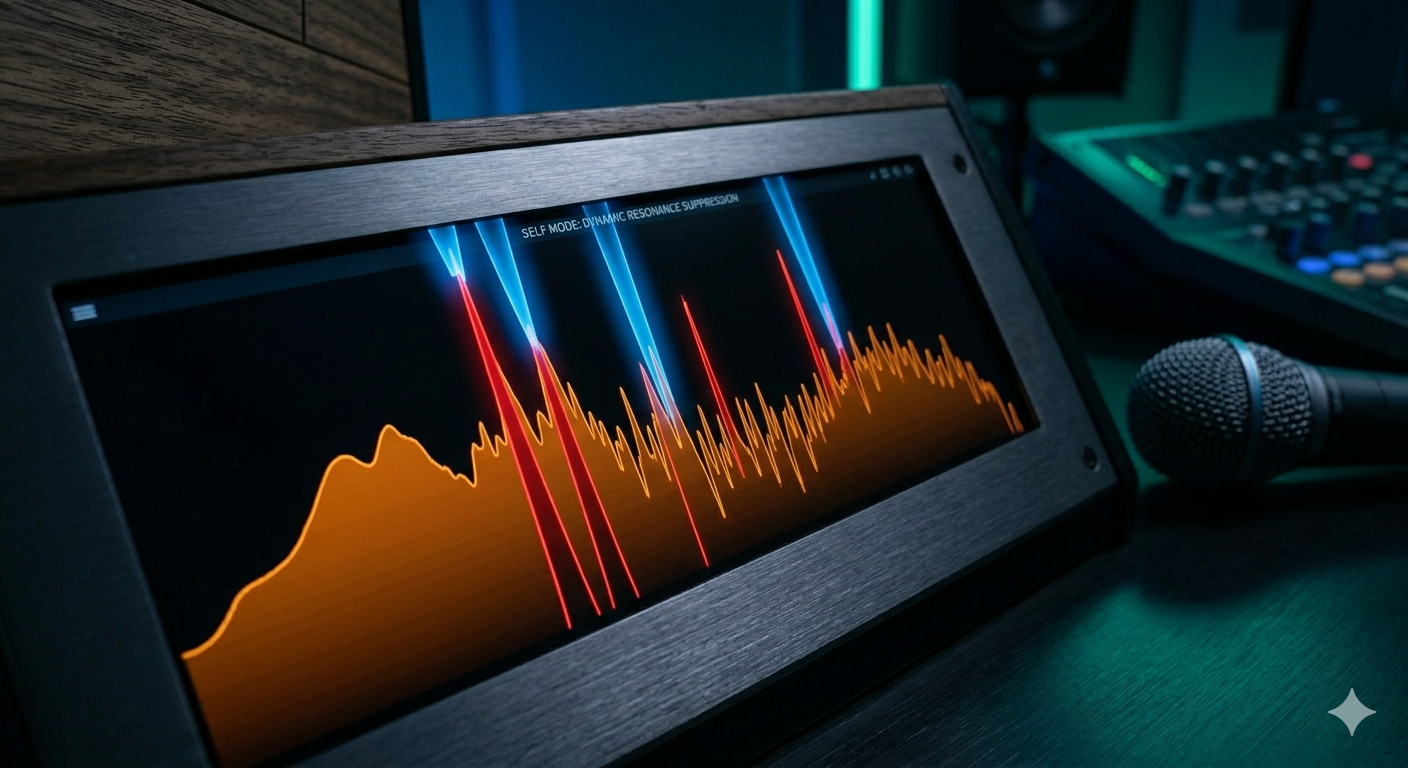
Self mode tames harsh or resonant peaks on any signal without a static notch filter.
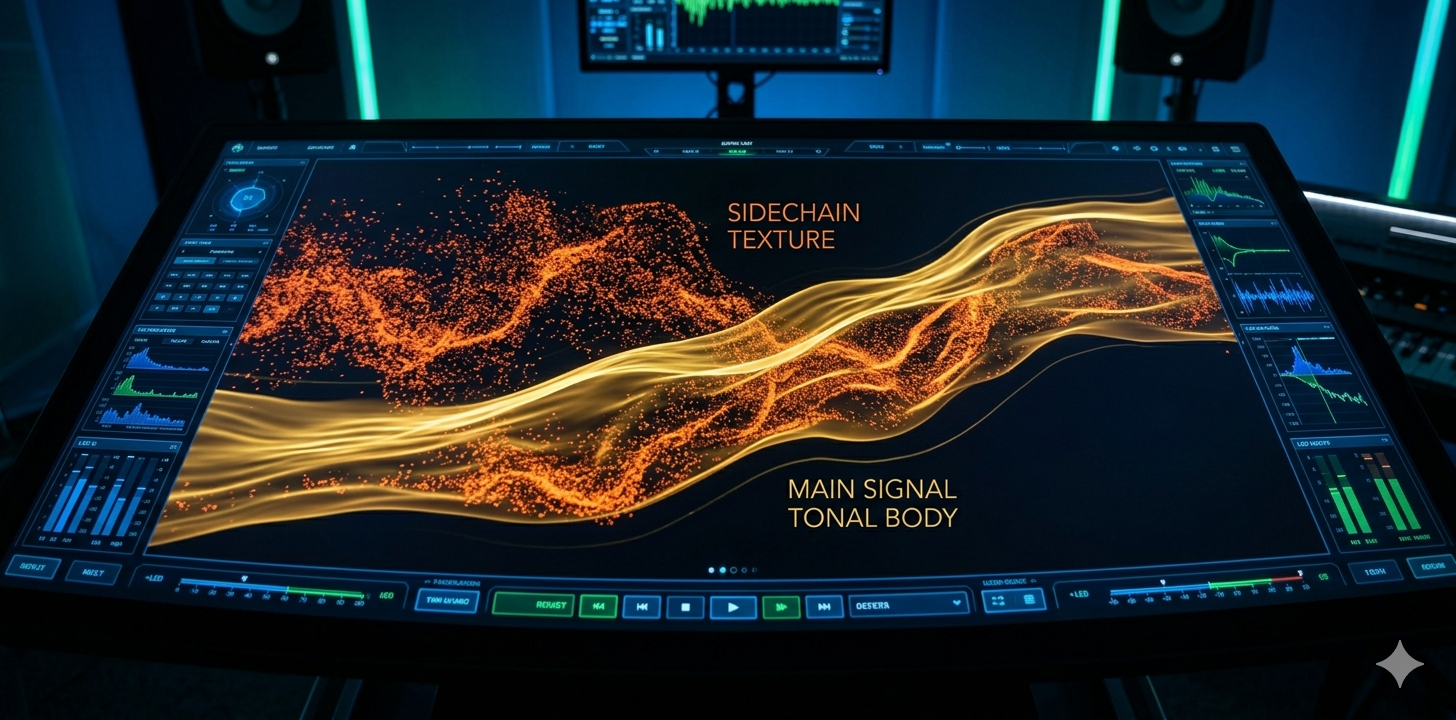
Texture mode keeps the main signal intact and bleeds the sidechain into it — but only at the frequencies where the main signal already has energy. The sidechain's texture emerges from within the main signal's own tonal body.
Eight factory patches cover the full range of what Ducktaper can do — from gentle mix-clearing to creative spectral transformation. Each preset is labelled with its mode so you know at a glance what it's doing and why.
Bypass Anytime
Toggle On/Bypass to A/B instantly. The dry signal passes through cleanly.
Remote Control
Map Depth, Threshold, Width, Attack, and Release to MIDI CC 20–24 for hands-on control.
Automate Everything
All parameters support smooth automation directly in Reason's sequencer.
Render in Standard Mode
When exporting, switch to Standard (not Zero Latency) for the highest output quality.
Significant effort went into making Ducktaper as transparent as possible — no unnecessary distortion, no unwanted coloring, no side effects beyond the processing itself. That said, any FFT-based tool makes trade-offs: time-smearing from windowing, subtle phase interactions, and artefacts at extreme settings are inherent to the technique.
The final judge is always your ears in context. If you hear something that doesn't sit right — even something subtle that appears when everything else is playing — trust that instinct. Some issues (EQ-induced phase shifts, spectral smearing) only reveal themselves after you've taken a break and come back with fresh perspective.
Ducktaper is a Creative FX Rack Extension for Reason. Add it to any audio track, connect a sidechain source, and hear the difference immediately.
First users get a special introductory price before it goes full retail. A few days only.
Secure checkout via Reason Studios
Got questions? Found a bug? Drop me a line:
Include your Reason version + OS + a short description of what you're hearing.
